MagSafe Explained: The Secret to the Wireless Aesthetic (And Why You Need It)
Remember propping your phone against a water bottle to film a TikTok? Or pressing your phone onto a wireless charger at just the right angle and praying it would stay aligned through the night? Or the permanent ring of dried adhesive left on every case after you peeled off a PopSocket?
MagSafe fixed all of that. But most people still don't understand what it actually is, whether they need it, or why their current case might be ruining it. Let's clear that up.
How It Actually Works
Inside every iPhone 12 and later is a coil surrounded by a circular array of magnets. The coil handles wireless charging. The magnets handle alignment and attachment — they snap accessories into the exact right position every time.
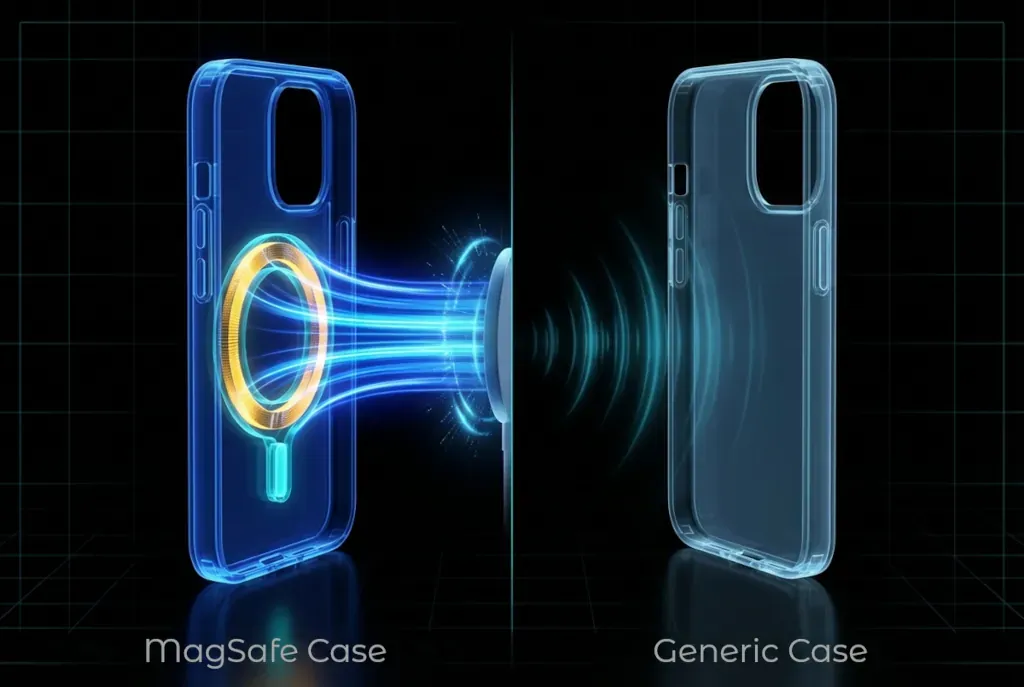
The problem with standard cases is the gap. A layer of plastic between the phone's magnets and the accessory weakens the magnetic pull. The thicker or denser the case, the weaker the connection. This is why your MagSafe wallet slides off in your purse, or your charger doesn't quite click into place.
A proper MagSafe case solves this by embedding its own magnets inside the case material. These act as a bridge, extending the magnetic field through the plastic so accessories connect with full strength. The magnets need to be strong enough to matter, which is where grading comes in: N52 is the highest commercially available grade. Cheap cases use weaker magnets (or no magnets at all, despite the marketing). ChicScreens uses N52 across every MagSafe case.
Three Reasons You Need It
1. Content Creation Without the Struggle
If you create any kind of content — TikTok, Instagram stories, product photos, FaceTime calls — you've experienced the phone balancing act. Leaning it against objects, trying to find an angle that works, adjusting it ten times before you start recording.
Magnetic mounts eliminate all of that. A wall mount in your bathroom gives you a perfect mirror selfie setup. A magnetic tripod lets you snap your phone on and off in a second. A gym mount holds your phone at eye level while you work out. No clamps, no claws, no sticky pads.
The snap-on/snap-off speed is genuinely transformative once you experience it. You stop thinking about the setup and start just... creating.
2. The No-Purse Life
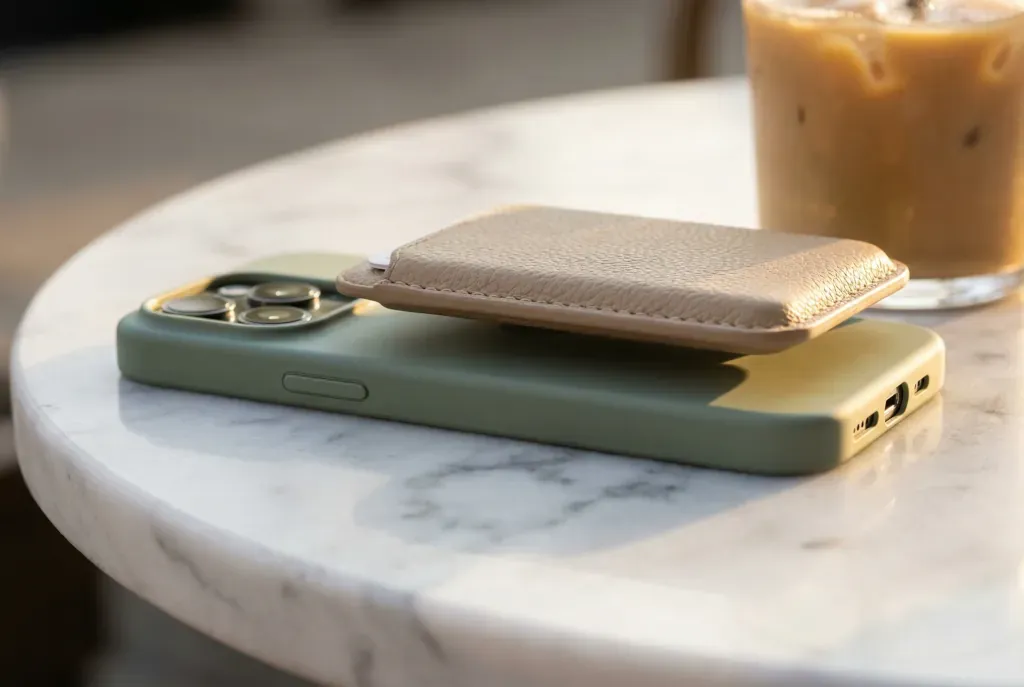
Magnetic wallets hold two to three cards plus cash and attach to the back of your phone. For coffee runs, errands, or nights out, you can leave the bag at home and just grab your phone.
The styling opportunity here is underrated. A pink case with a red wallet. A black case with a tan wallet. A chrome case with a matching silver wallet. The wallet becomes part of the outfit, and because it's magnetic, you swap it out as easily as changing earrings.
The catch: if your case doesn't have strong enough magnets, the wallet falls off in your bag or pocket. That's how you lose an ID and a credit card at the same time. N52 magnets hold firm even in a packed purse.
3. Grips Without Commitment
The old PopSocket dilemma: you need a grip to scroll comfortably, but the adhesive ruins your case and blocks wireless charging. Magnetic grips solve both problems. Snap one on when you're scrolling on the couch, pull it off when you set your phone on the charger. No residue, no interference.
This also means you can use a grip during the day and remove it for a clean look when you're out at night. Your case design stays fully visible when you want it to be.
Styling the Circle
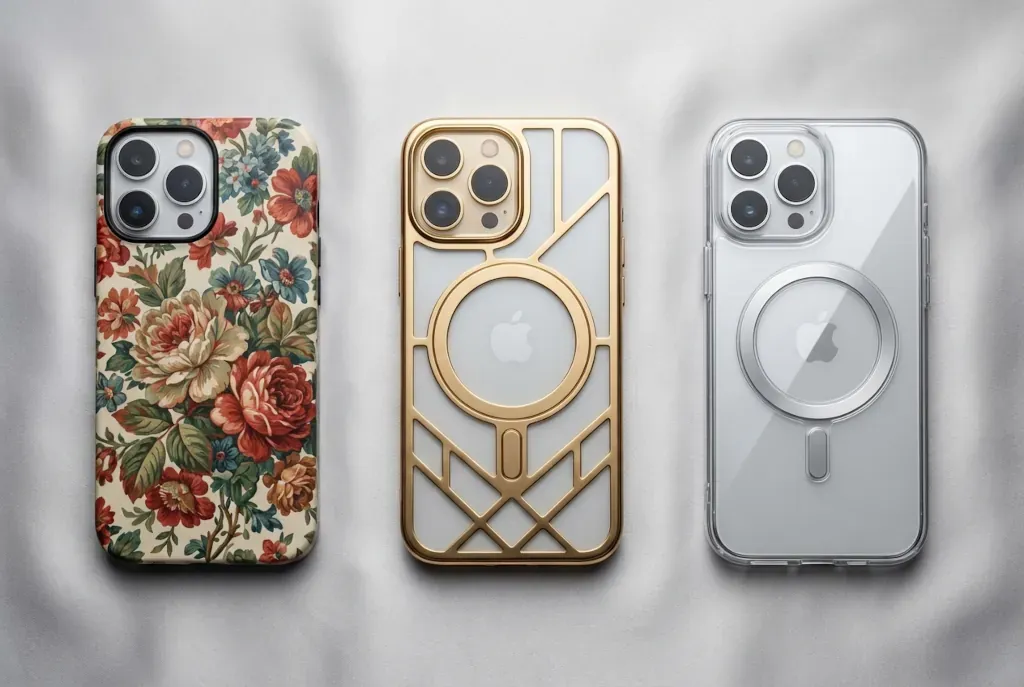
The biggest aesthetic complaint about MagSafe is the visible ring on clear cases — that white or silver circle on the back. Here's how to handle it:
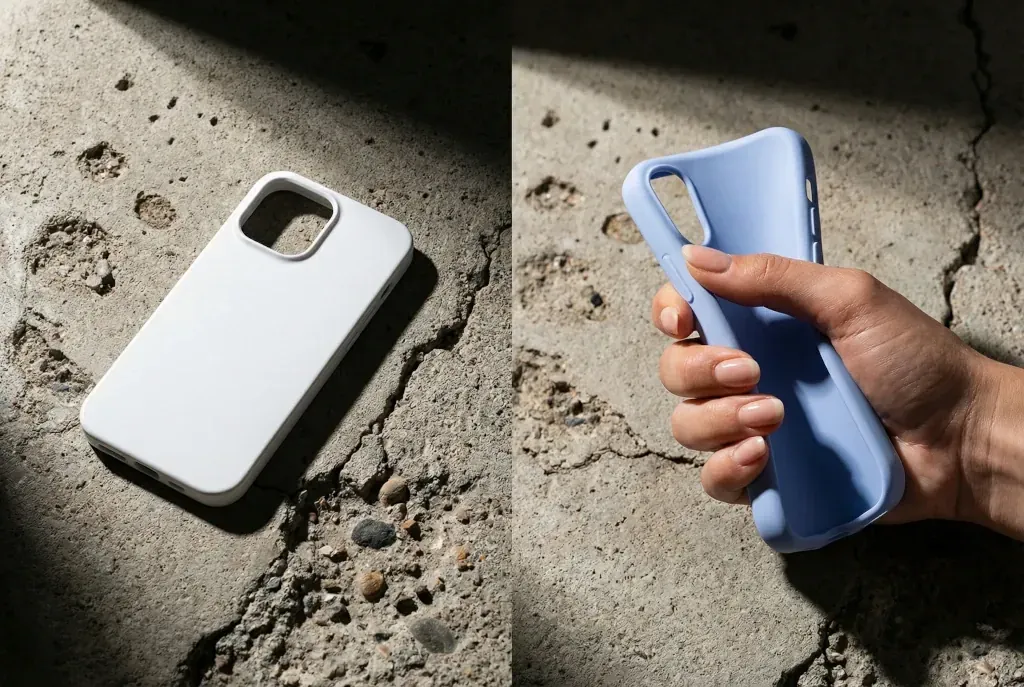
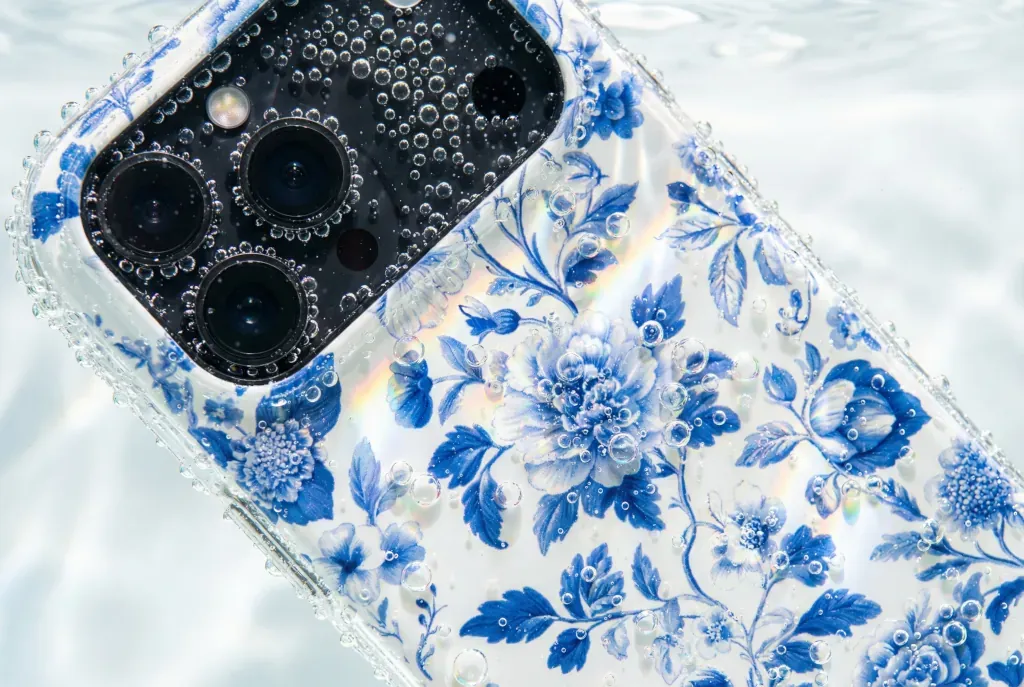
Hidden MagSafe: Opaque cases (solid colors, prints, patterns) hide the magnet ring entirely. The magnets sit behind the design layer, invisible from the outside. If the ring bothers you, this is the simplest solution.
Integrated design: Some cases turn the ring into part of the visual — a planetary ring, a geometric accent, a gold circle that looks intentional rather than functional. When the engineering becomes part of the design, the ring stops being a compromise and becomes a feature.
What not to do: Don't buy adhesive metal rings to stick on the outside of a non-MagSafe case. They look cheap, catch on clothing, and provide weak magnetic force compared to built-in magnets. If you want MagSafe, get a case that has it engineered in.
The Technical Side: Charging and Heat
Qi2 — the universal standard: As of 2026, Qi2 (the open version of Apple's MagSafe technology) works across iPhone and Android. The magnetic alignment system is no longer Apple-exclusive, which means the accessory ecosystem is expanding fast.
Charging speed: MagSafe delivers 15W of wireless power, compared to 7.5W for standard wireless charging. That's twice the speed for the same action. The magnets ensure perfect coil alignment, which is what makes the speed increase possible — misaligned coils waste energy as heat instead of charging your battery.
Heat: Yes, your phone gets warm during wireless charging. This is normal physics — electromagnetic induction generates heat as a byproduct. Your phone's internal thermal management handles this automatically. It will slow charging if it gets too hot. It won't damage your battery or your case.
How to Spot a Fake
Many cases on Amazon advertise "MagSafe Compatible." This is misleading. All it means is that the plastic is thin enough for a wireless charger to work through it. It does not mean the case contains magnets.
Without magnets, your phone won't snap to chargers, wallets will slide off, and car mounts won't hold. You're getting the label without the function.
The fridge test: Take your phone (in its case) and try to stick it to a refrigerator door. A real MagSafe case holds firmly. A fake one slides right off. It takes three seconds and tells you everything you need to know.
The wallet test: Attach a MagSafe wallet and hold your phone upside down. With proper N52 magnets, the wallet stays put. With weak or absent magnets, it drops immediately. If your wallet has ever fallen off in a bag, your case is the problem.
Future-Proof Your Phone
MagSafe and Qi2 are the standard going forward. Every major accessory manufacturer is building for magnetic attachment. Buying a case without magnets in 2026 is like buying a laptop without USB-C — you're cutting yourself off from an entire ecosystem of tools and accessories.
The technology is straightforward. The magnets are permanent (they don't degrade or lose strength over time). The only variable is the quality of the case. Get one with real N52 magnets built into the structure, and your phone becomes a modular tool that adapts to your day.
MagSafe is one part of a bigger picture. For the full breakdown of materials, protection, and styling, read The Science of Style — our complete guide to aesthetic tech protection.
Ready to snap?
Every ChicScreens MagSafe case uses N52 industrial-strength magnets hidden behind our best designs.
Shop MagSafe Cases